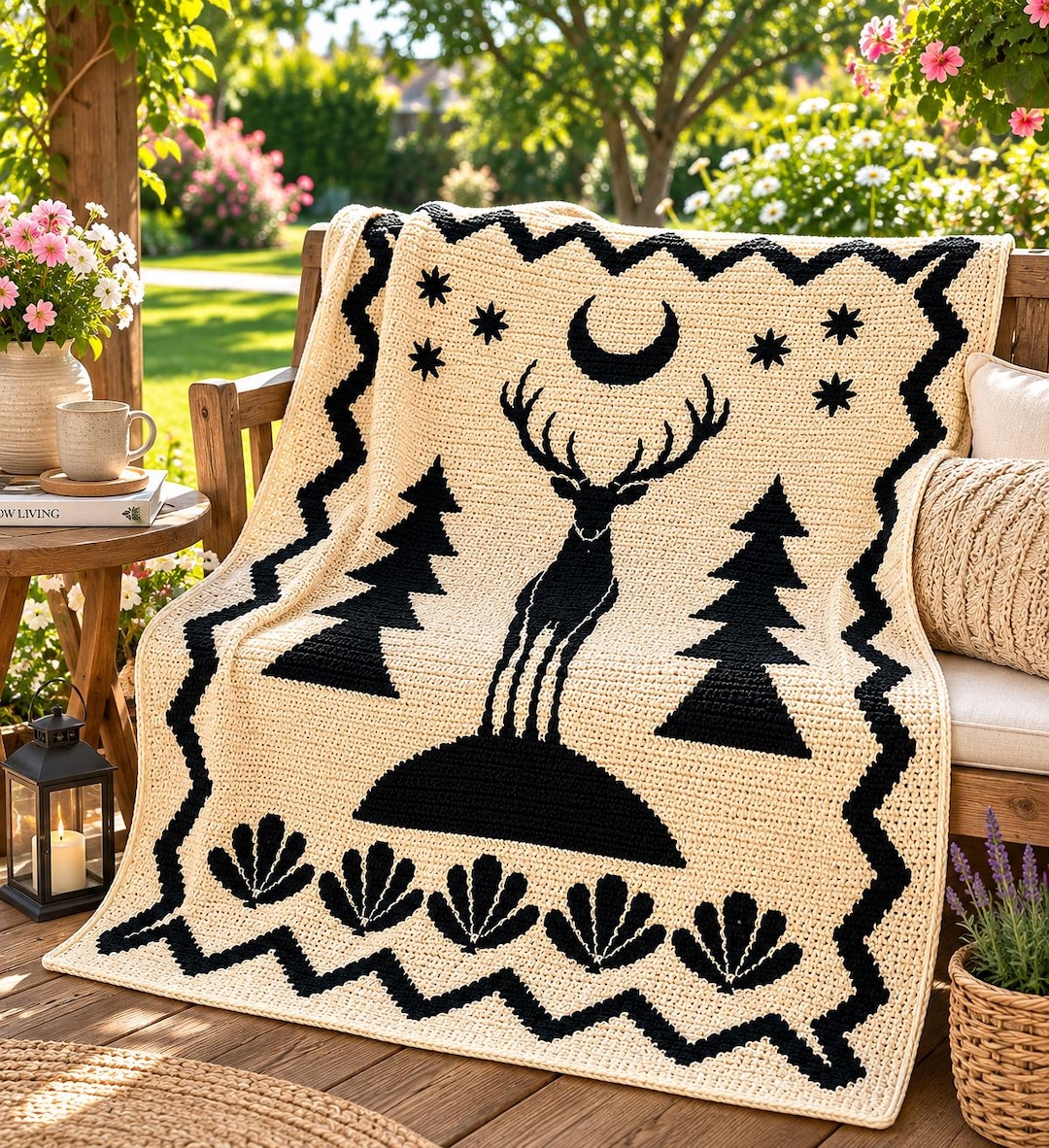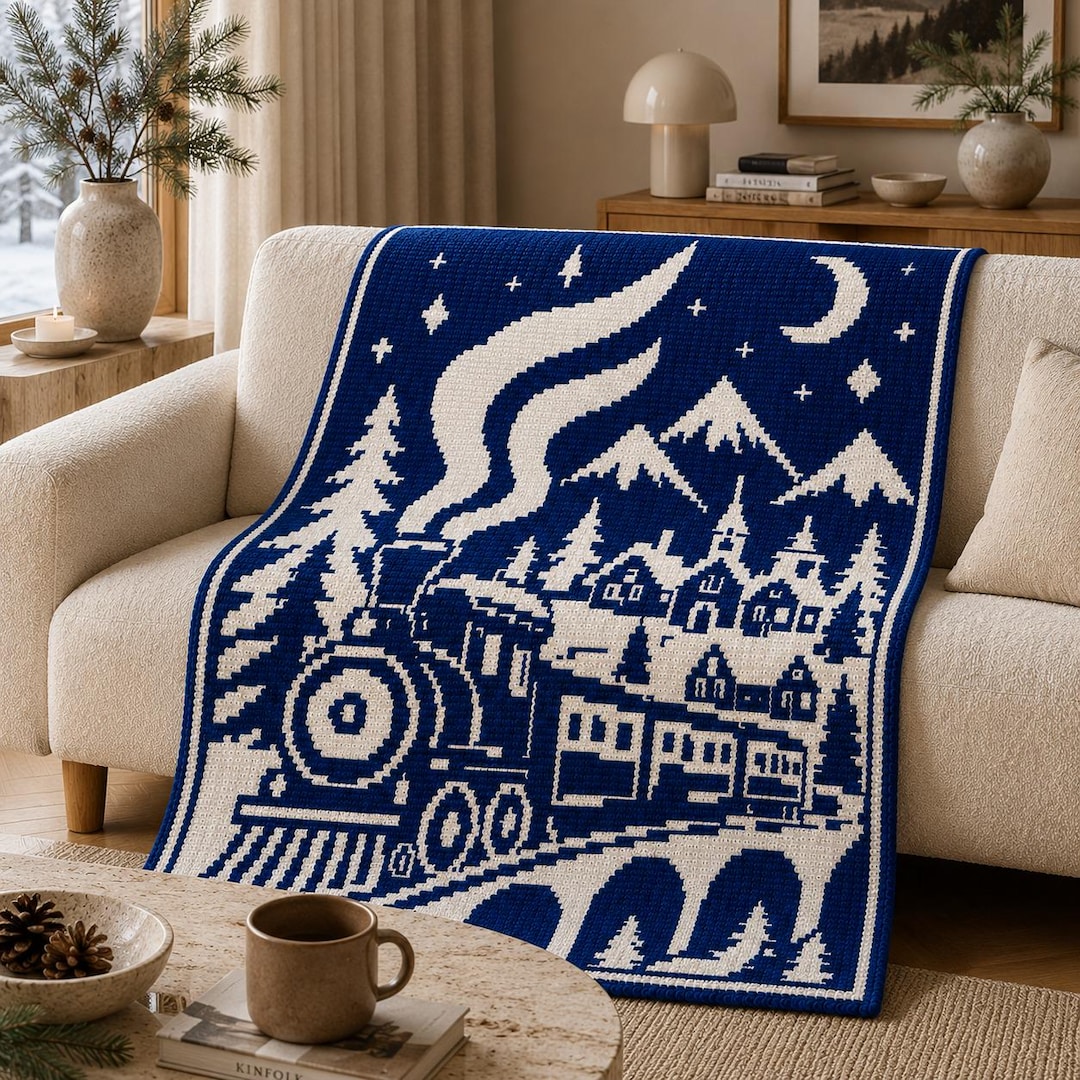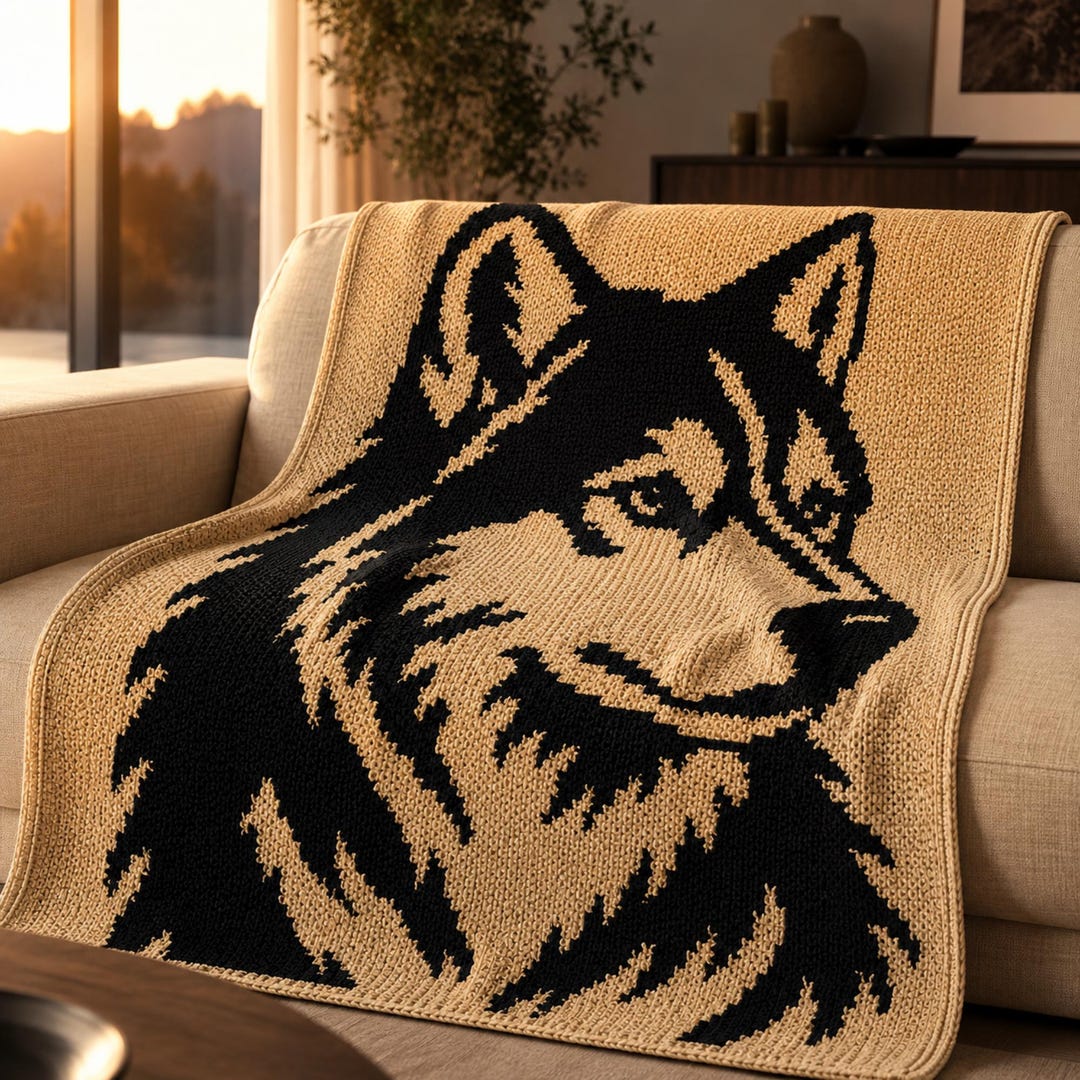
Have you ever looked at a photo of your pet or a favorite landscape and wondered if you could crochet it? With mosaic crochet you can, as long as you turn the image into a simple two-color grid first. This step-by-step guide explains how to convert a picture into a mosaic crochet chart, what makes a good image and how to clean up the result.
Quick Answer
To turn a picture into a mosaic crochet chart: 1) choose a simple, high-contrast image, 2) decide the grid size (stitches × rows), 3) convert the image to two colors with a threshold, 4) clean up stray squares by hand, and 5) test a small swatch. Mosaic charts work best with bold silhouettes, not detailed photos.
Key Takeaways
- Silhouettes and bold shapes convert best.
- Grid size controls both detail and blanket size.
- Every mosaic chart is two colors only, so contrast is everything.
- Expect to clean up the chart by hand before you crochet.
Step 1: Choose the Right Image
- Bold silhouettes: animals, trees, buildings and lettering work well.
- High contrast: a dark subject on a light background.
- Few small details: fur texture, faces and fine lines disappear at blanket scale.
- Your own image: use photos or drawings you have the right to use. Avoid copyrighted characters and logos.
Step 2: Decide the Grid Size
Each square on the chart is one stitch. More squares mean more detail but also a bigger, longer project. Use your gauge to plan the finished size:
| Grid size | Detail level | Typical use |
|---|---|---|
| 60 × 60 | Low | Pillow or swatch |
| 80 × 115 | Medium | Small throw or wall hanging |
| 150 × 200 | High | Baby or crib blanket |
| 200 × 280 | Very high | Large throw |
Not sure how big that will be? Check our crochet blanket sizes chart and how long it takes to crochet a blanket.
Step 3: Convert to Two Colors
Resize the image so its width in pixels equals your stitch count. Then convert it to black and white using a threshold: every pixel lighter than the threshold becomes Color A, every darker pixel becomes Color B. Most photo editors and many free grid tools can do this. Try a few thresholds (for example 30%, 50%, 70%) and pick the one where the shape is clearest.
Step 4: Clean Up the Chart
- Remove single stray squares. Isolated pixels look like mistakes in crochet.
- Smooth jagged edges on curves like moons and ears.
- Thicken thin lines to at least 2 stitches so they stay visible.
- Add a border to frame the design and give your edges structure.
- Check the mosaic rules: in overlay mosaic, some color placements need adjusting so the dropped double crochets work. Experienced designers test this carefully.
Step 5: Swatch and Test
Before committing to 50,000 stitches, crochet a small section of the chart. You will quickly see if lines are too thin or if the colors need more contrast. If you are new to charts, read how to read a mosaic crochet chart first.
Or Start with a Ready-Made Chart
Designing a mosaic chart that crochets well takes practice. If you would rather jump straight to crocheting, our patterns come with ready-to-use charts and written row-by-row instructions:
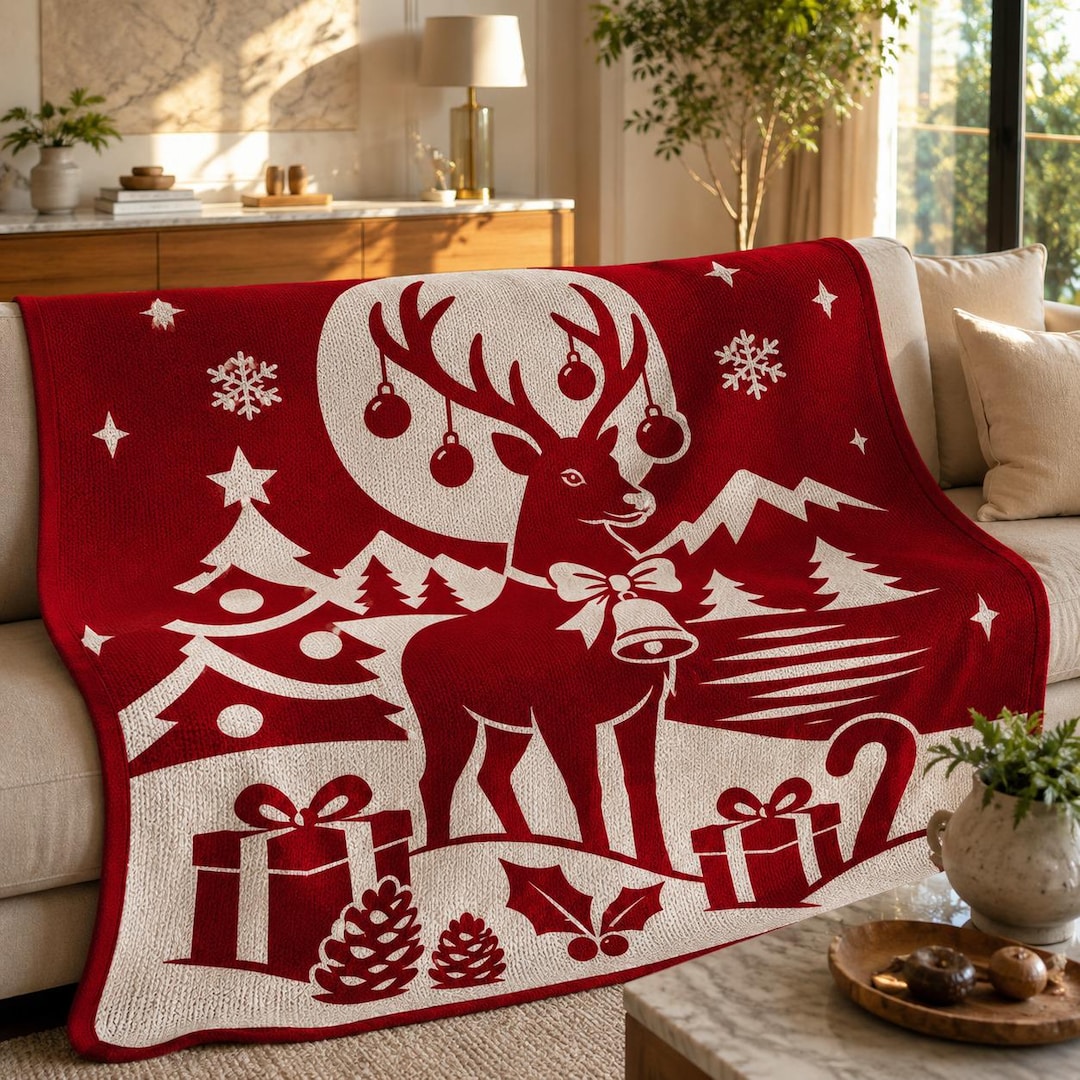
- Christmas Reindeer: a festive deer silhouette.
- Moonlight Cat: a cat and moon silhouette.
- Forest Cabin: a beginner-friendly 80 × 114 chart.
- 4-pattern winter bundle: four designs in one download.
Browse more: animal mosaic crochet blanket patterns, winter crochet blanket patterns and Halloween mosaic crochet blanket patterns.
FAQ
Can I turn any photo into a crochet pattern?
Technically yes, but simple, high-contrast images work best. Detailed photos lose most of their detail at blanket scale.
How many colors can a mosaic crochet chart have?
Classic mosaic charts use two colors per row. You can change colors between sections, but each row is worked in one color.
What grid size should I use for a blanket?
For a throw, charts are often around 150–210 stitches wide. Check your gauge to calculate the exact finished size.
Can I sell blankets made from my own chart?
If the image and design are your own, yes. Avoid copyrighted characters, logos and other people's artwork.
Ready to Crochet?
Practice with a ready-made chart like the Forest Cabin pattern, then try designing your own. Our overlay mosaic crochet beginner guide covers all the stitches you need.